

Whether you are just getting started with DeepL API, or you already have an integration running in a production environment, sometimes it’s a great idea to have a safe test environment to try things out first. For convenience, we’ve created a Postman collection that mirrors the DeepL API functionality and lets you test your API in a structured environment. For more information about Postman, check out their overview.Documentation Index
Fetch the complete documentation index at: https://deepl-c950b784-customizations-with-variants.mintlify.app/llms.txt
Use this file to discover all available pages before exploring further.
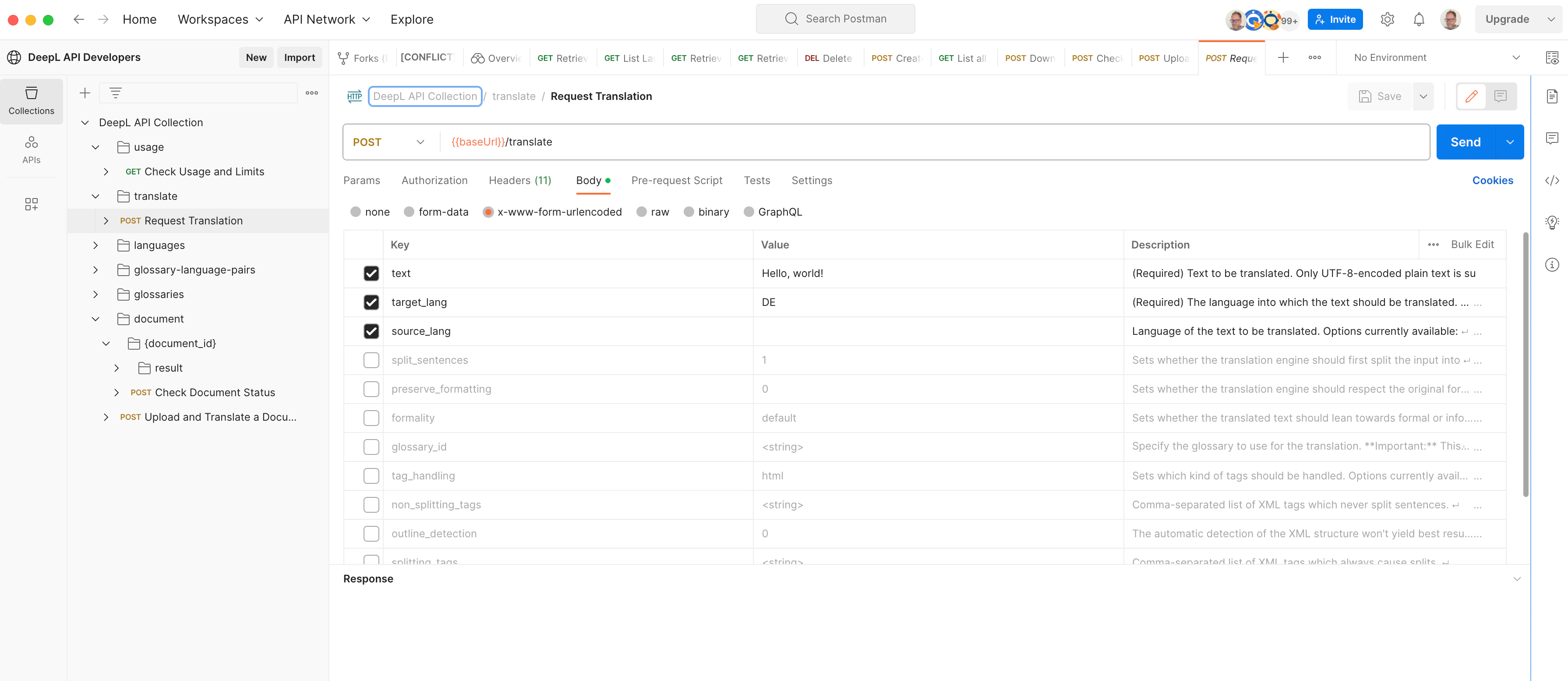
 In your forked collection, select the relevant
 baseUrl variable depending on your subscription (https://api.deepl.com/v2 for Pro, https://api-free.deepl.com/v2 for Free).
The apiKey variable will be DeepL-Auth-Key yourDeepLApiKey. Change yourDeepLApiKey for your own key (leaving the DeepL-Auth-Key in front) and you’re ready to go!